




Showcase
/ Show Case: Laser Fume Scrubber
Show Case: Laser Fume Scrubber


PUBLISHED ON
GENERAL DESCRIPTION
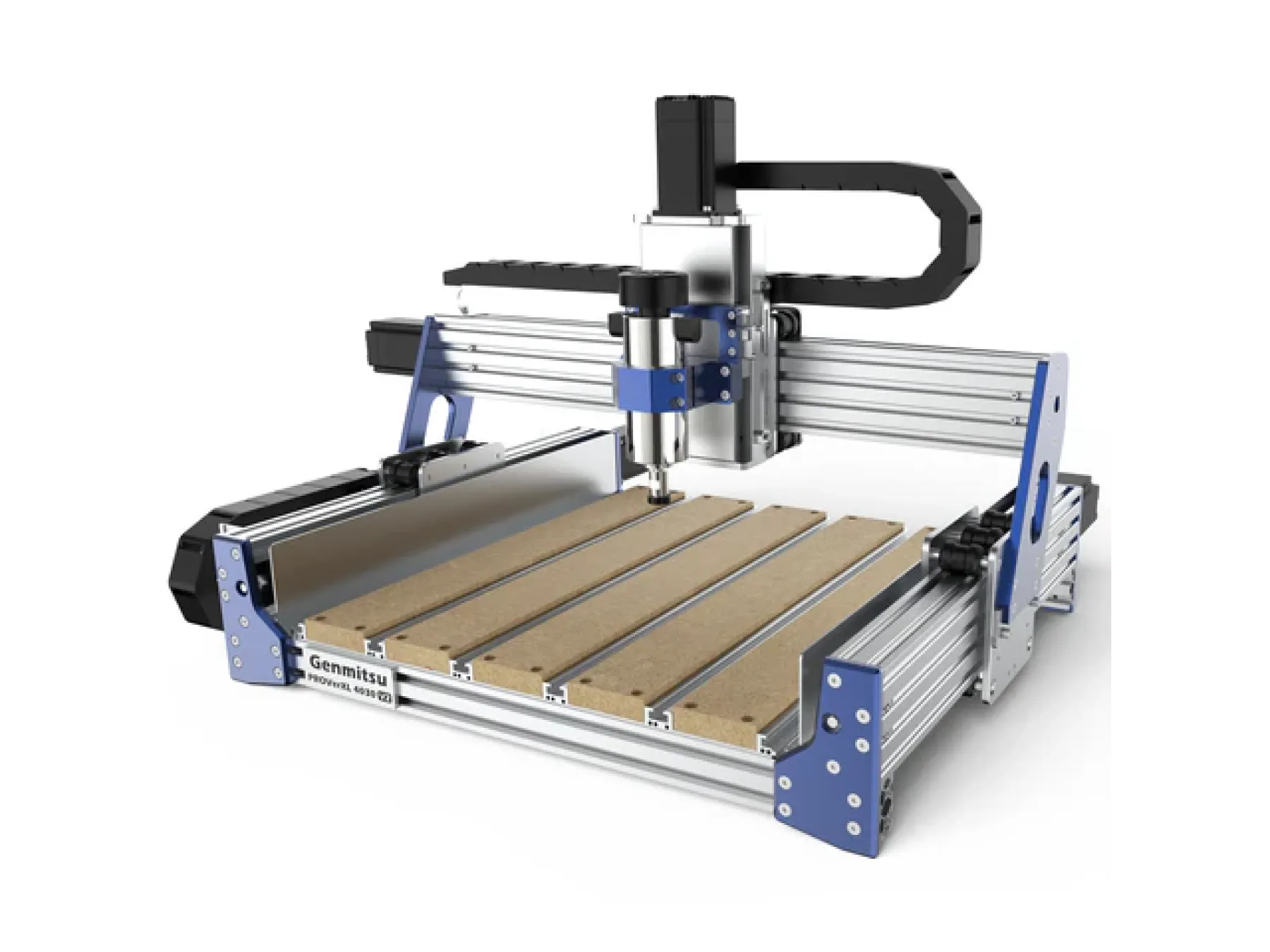
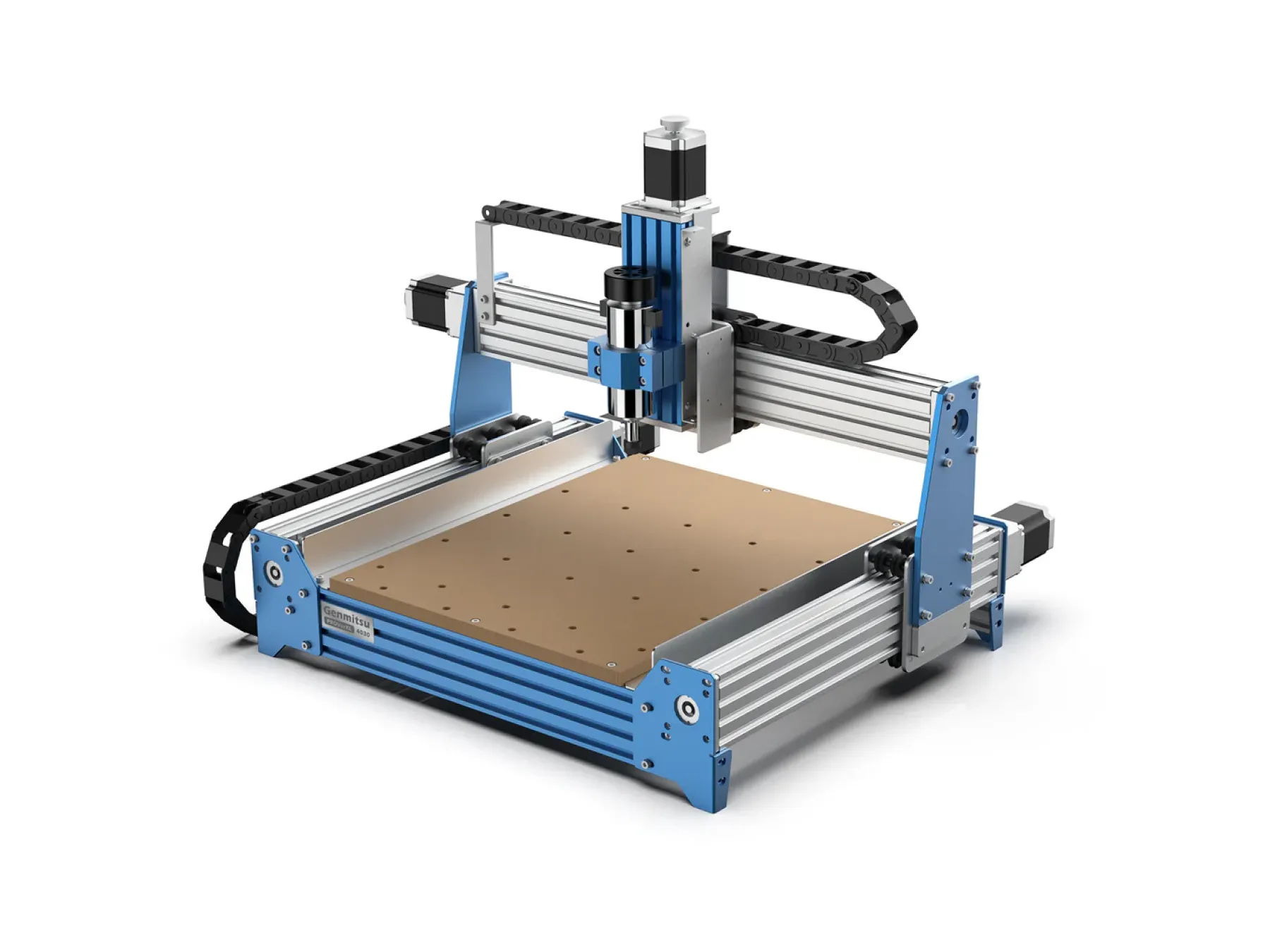
I frequently switch between CNC and laser cutting modes. Dust removal for CNC jobs is somewhat easy. I use a barrel with a double cyclone connected to a vacuum cleaner, it does a good job. To capture and filter out the laser fumes I first built an enclosure around the machine to prevent the fumes to spread in all directions. In addition I added a 2nd barrel with a charcoal filter inside and connected that after the cyclone filter. That worked quite well for a while, but after cutting a lot of MDF the filter became clogged by tar-like substances. So the task was to improve the lifetime of the charcoal filter. The idea was to condense most of the tar in another barrel that gets connected in between these two, and use it as a washer. The vacuum should suck the air from the top of the barrel. The air inlet is from a pipe that extends down to the bottom of the barrel. The barrel is filled with water and the bottom of the pipe is closed. The lower 12cm of the pipe are full of small holes, each with a tilt angle of 30° down and 30° radial (off-centered drills) to produce a large number of tiny bubbles (large contact surface) which spend as much time under water as possible while they whirl around on their way up. A couple of issues to solve: - Rotating the pipe is easy with the 4th axis assembly, though I can't use the thorn to mount it in a rigid way (the pipe is too long). Ideally I should rest the opposite end of the pipe somewhere, but the jaw chuck is strong enough to hold it in place - so instead of drilling the holes with CNC I considered laser cutting to be the better alternative to avoid extra forces on the pipe. - To create the tilt angle I had to tilt the entire 4th axis assembly. I use a manually adjustable angle table with a lead screw to create a ""4.5D-CNC"". However, the base plate of the 4th axis assembly turned out to be a bit too long and too wide for the 30° target and the long pipe - it would collide with the base plate or the Z-assembly and limit my usable operating range too much. Thus, at first I created an L-shaped interface plate that holds the 4th axis motor on the angle table without blocking the XZ motion. - the z-range of the 3030 is 80mm, but I need already >60mm along the tilted pipe. That was another reason to use the laser module instead of a CNC tool - and I had to upshift the laser unit and holder as much as possible. I used FreeCAD for the design of the 4th axis interface plate and to create the G-code for the CNC operations. To control the machine I use UGS-platform. For the creation of the hole pattern, CAD-design and toolpath definition appeared more cumbersome than needed due to the rotational part. Instead, I wrote a small python script to calculate the number of holes and their size/positions. The script also generates the G-code for the laser cutting operation using relative coordinates, starting from the most critical alignment point (top-right) to assure that all other positions are safe. ChatGPT was a great help to collect the needed code snippets. Since UGS is more convenient for 3D/4D than lightburn, I used it again for this laser operation. UGS even visualizes the 4th axis operation (but since it doesn't know about the tilt angle of the rotational axis it displays a cone of holes instead of a pipe, nevertheless it was a good confirmation that the generated G-code is not garbage). I wrote a few macros to toggle laser/CNC mode and to enable/disable the ""laser pointer"" mode to simplify alignment. Aligning to the pipe center was reasonably simple by jogging across the pipe and zeroing just when the laser doesn't tough the pipe anymore, then taking the average of the two measurements. The 4th axis assembly is only fixed with a single screw so that I can rotate it slightly in XY plane to assure that the laser would move parallel to the pipe. The top of the barrel is laser-cut again from a FreeCAD drawing which I exported as flat SVG, but this time I processed it with lightburn using a centered user origin. For this kind of ""flat"" operation lightburn is a bit easier to visualize where the things should be located and to run a laserpointer around the top to assure that things are well aligned, but in principle this would have been another relatively simple task to script in python and run in UGS, using the center point as origin of the G-code.
Materials
Plastic
MACHINE TYPE

